
ai-website-cloner-template
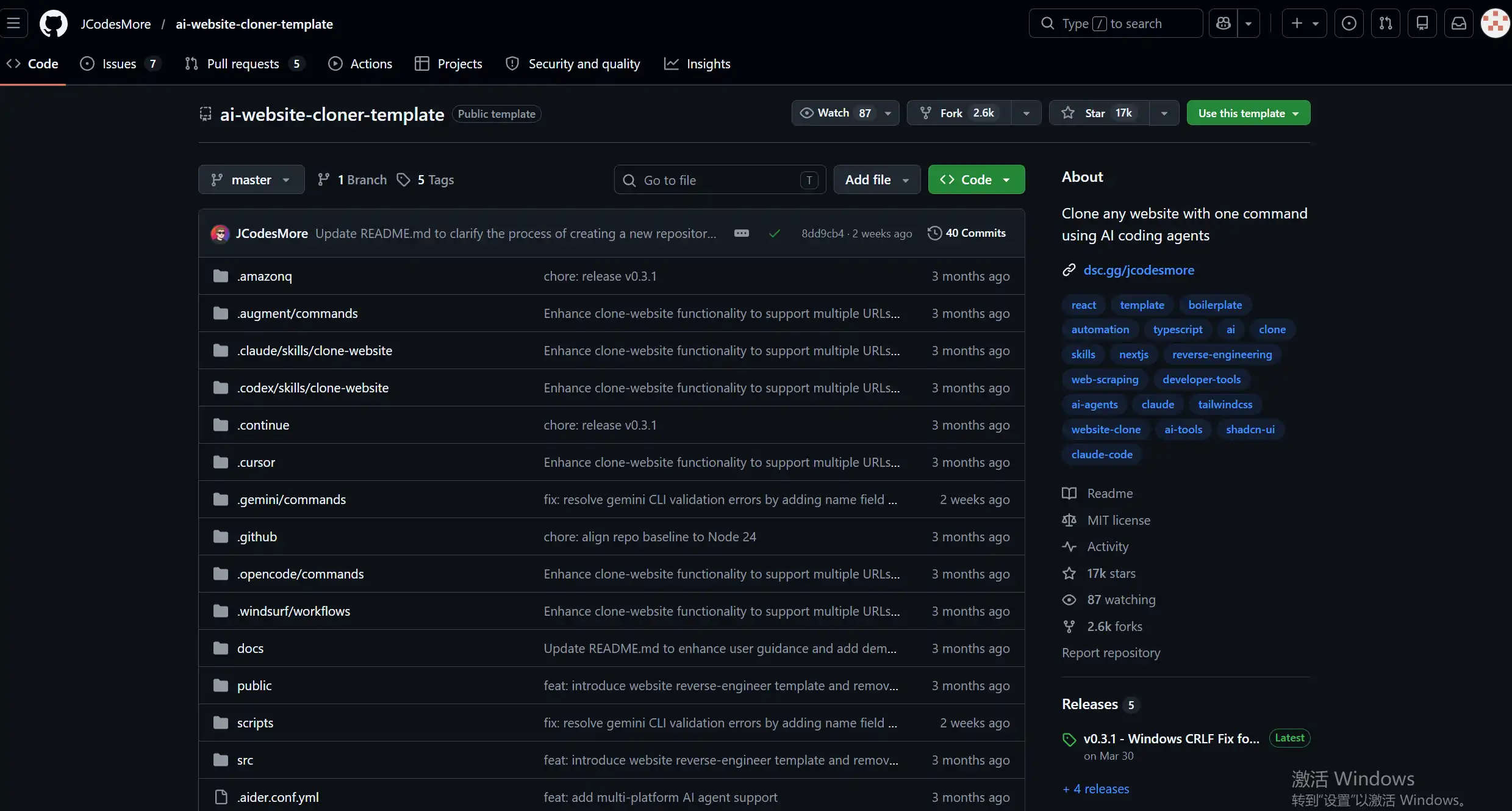
ai-website-cloner-template
空空ai-website-cloner-template
官方GitHub地址
利用以下命令拉取网站克隆模板项目:
1 | git clone https://github.com/JCodesMore/ai-website-cloner-template.git |
进入到项目目录,安装项目需要的依赖包:
1 | npm install |
在该目录启动 OpenCode 开始复刻网站:
1 | opencode |
在opencode中输入如下命令:
1 | /clone-website https://你要复刻的网站地址 |
AI就会对指定网址进行复刻,复刻完成后输入如下命令启动:
1 | npm run dev |
看我底下复刻的豆包的网页:
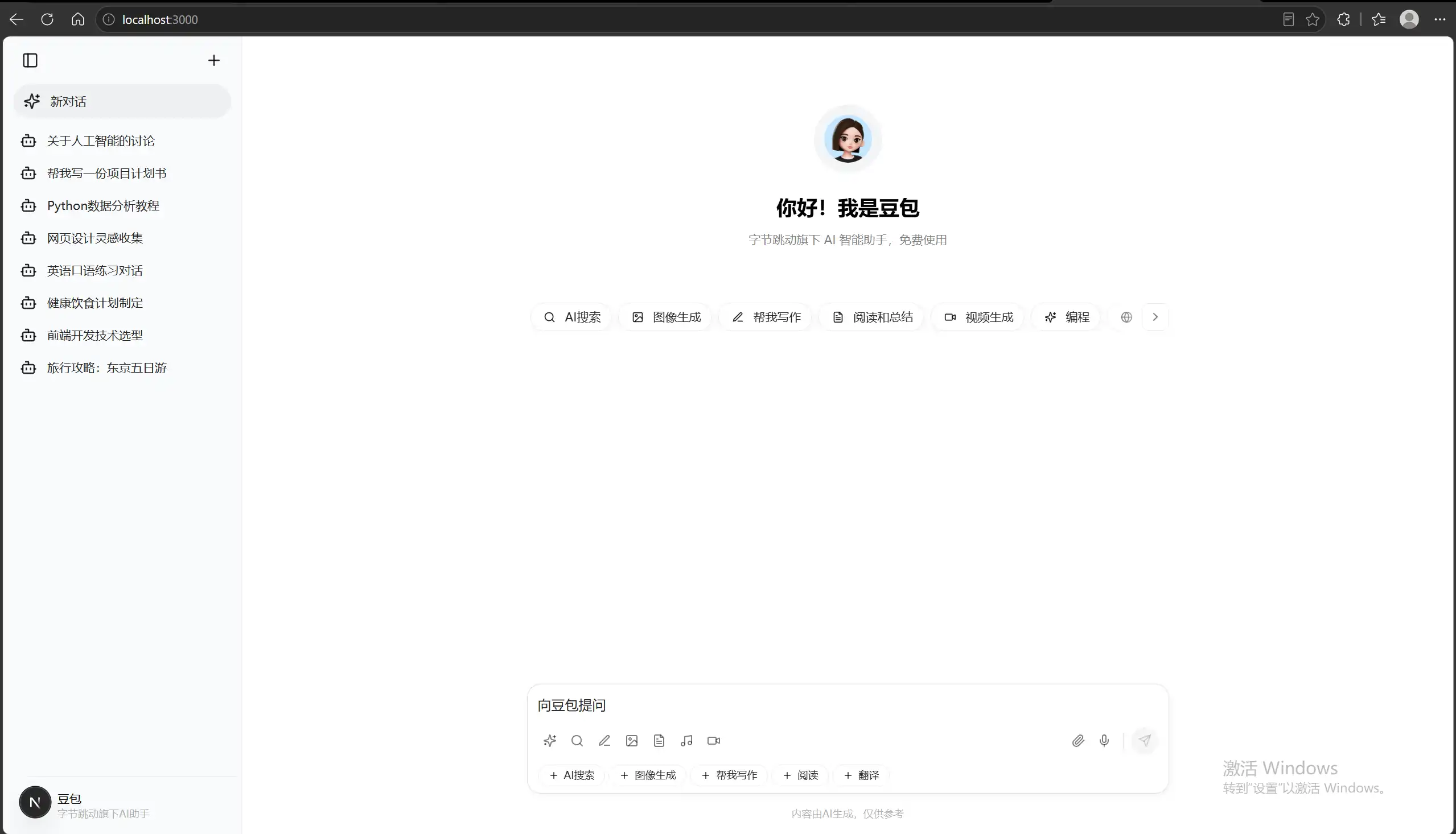
注意:每次克隆一个新网页都需要用一个新的ai-website-cloner-template项目模板
喜欢这篇文章的人也看了

评论
匿名评论隐私政策
